Operation
First time operation
Power ON procedure
-
Attach the supplied antenna securely to the RF connector. Using only 2 fingers screw on the provided antenna on the RP-SMA antenna connector (3). Stop screwing once the antenna is flush with the enclosure.
-
Press briefly the Power button, wait 5 seconds. The indicator LED lights up and the Meteor is now ON.
-
Connect to the device via Bluetooth 5.0 using the supported Meshtastic app.
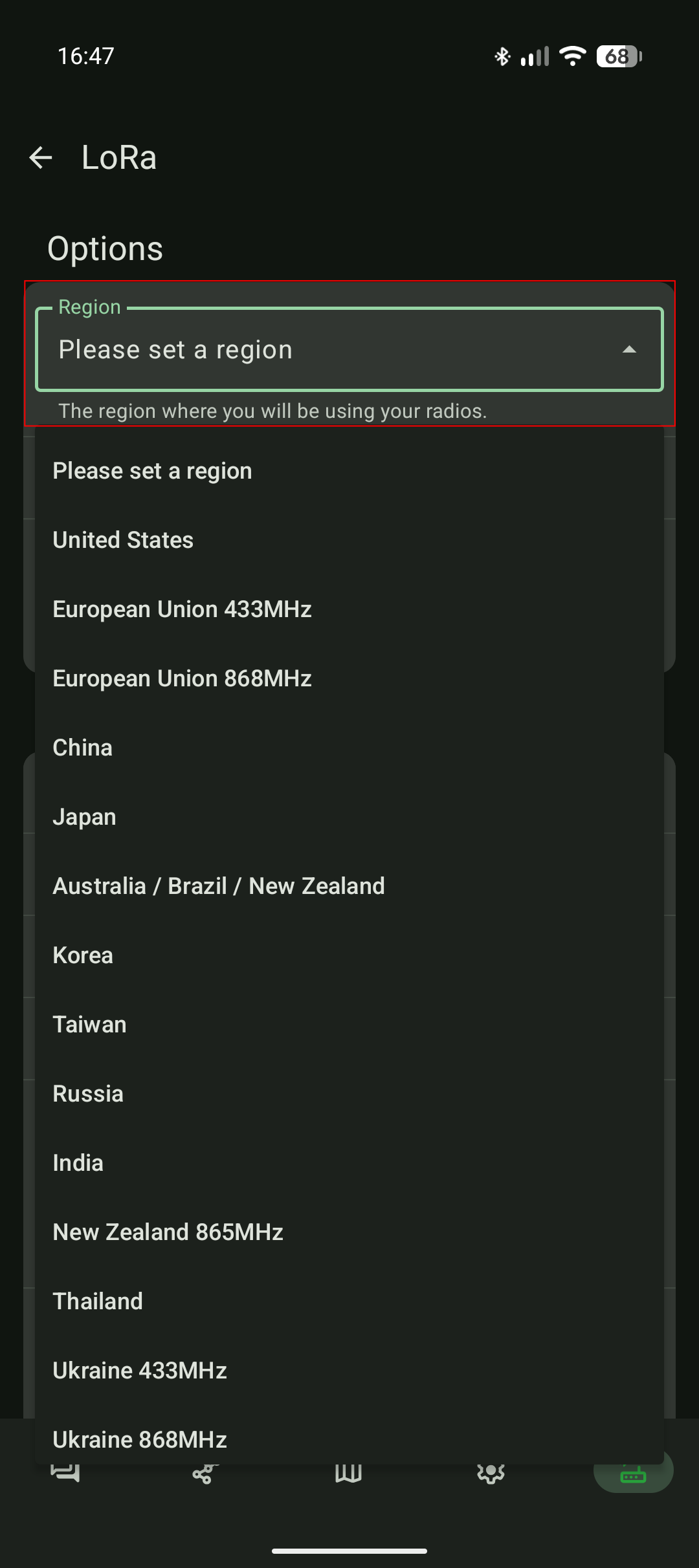
- Set your region according to your location. Once a region selected, the device will reboot to apply the change.
- Wait for the device to apply the region setting
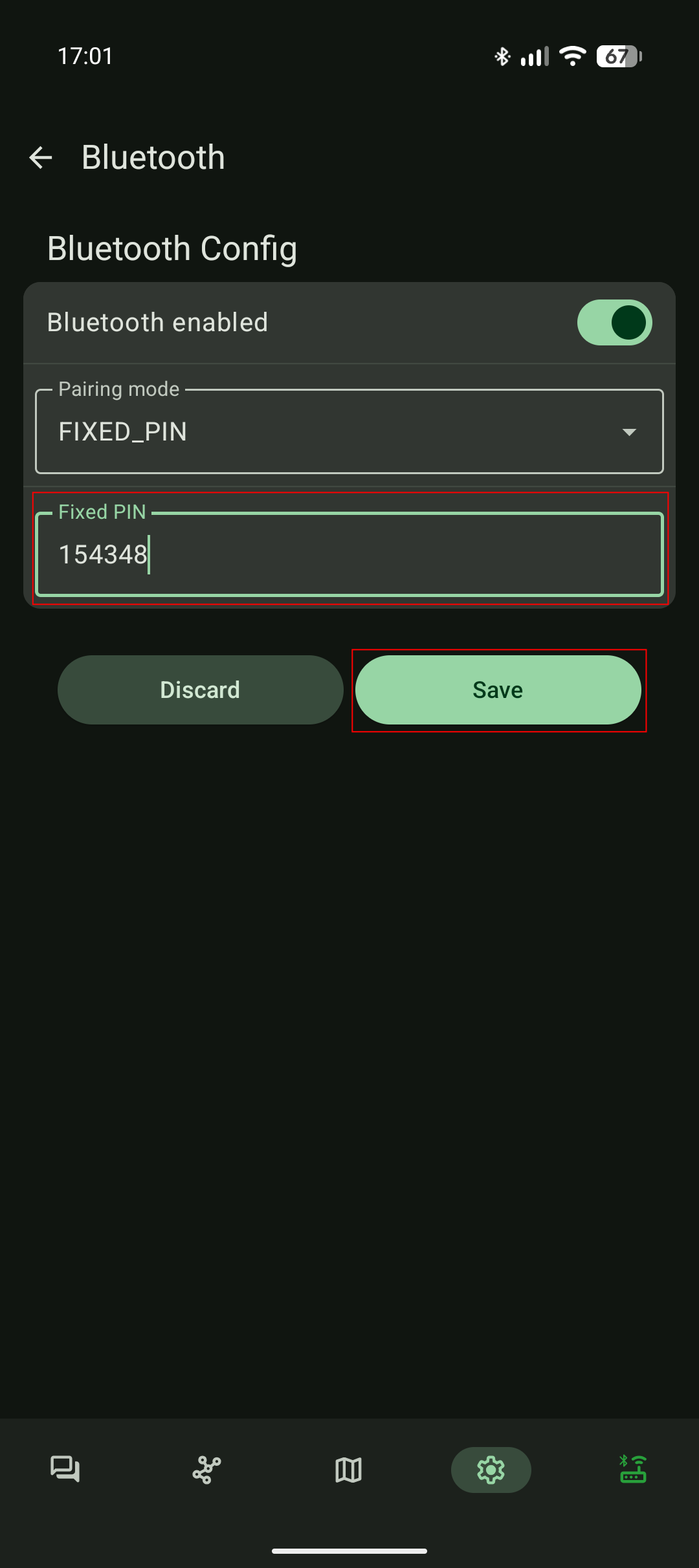
Default Bluetooth password: 123456
3. 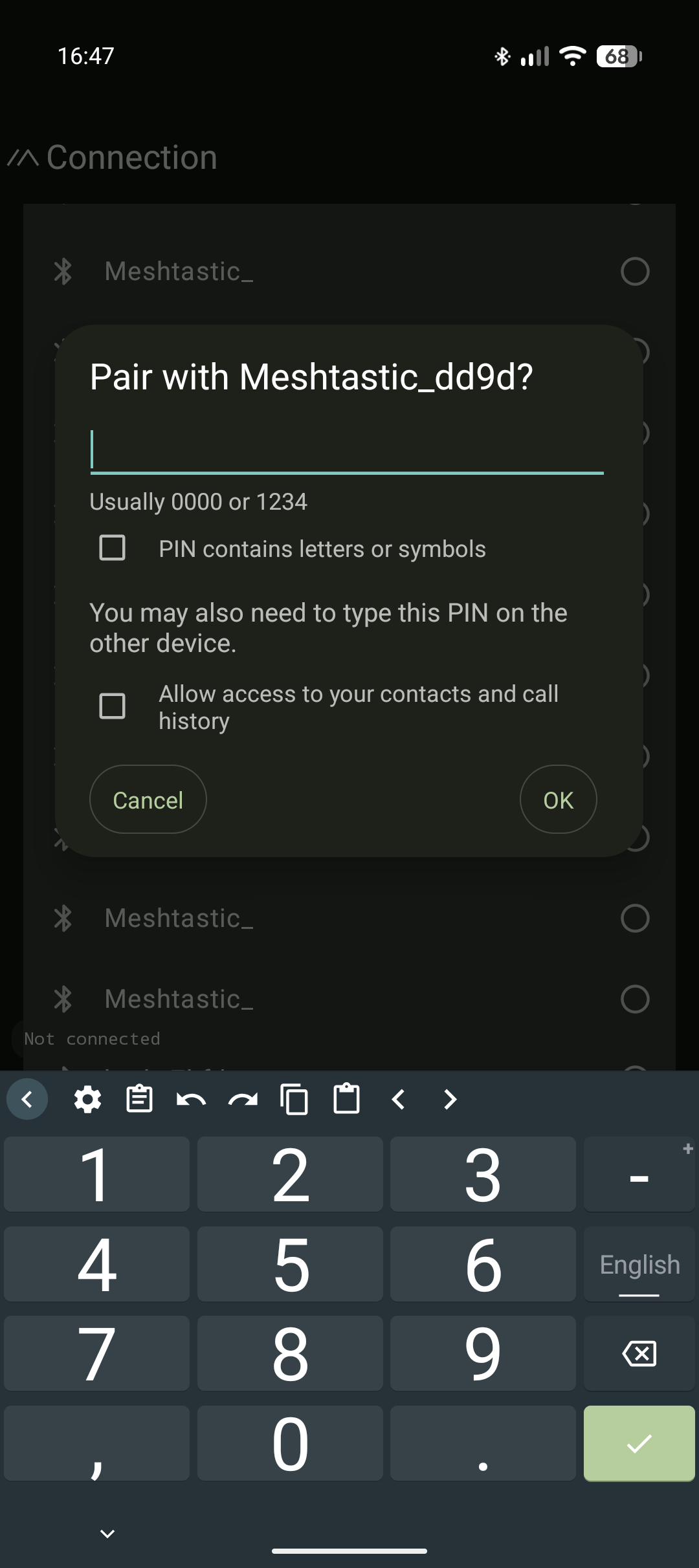 4.
4.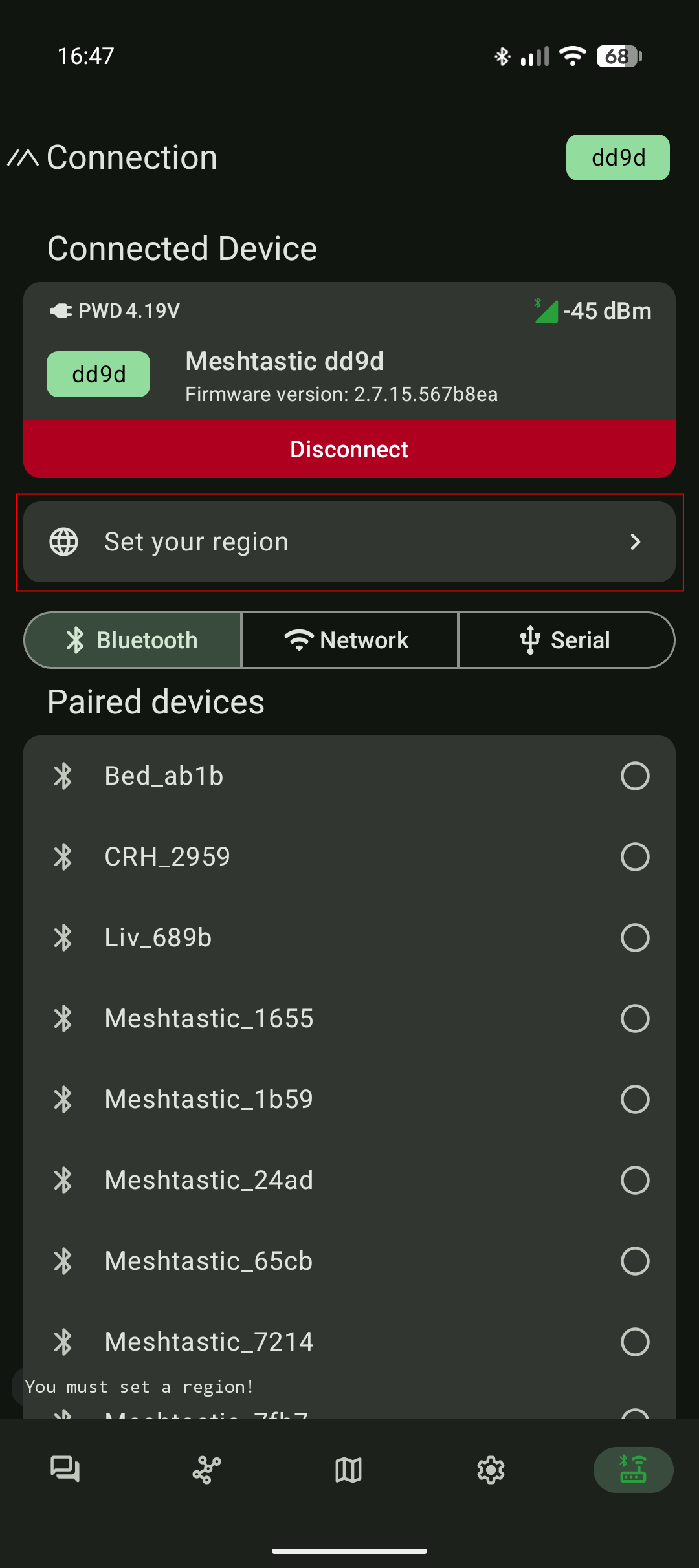 5.
5.
6. 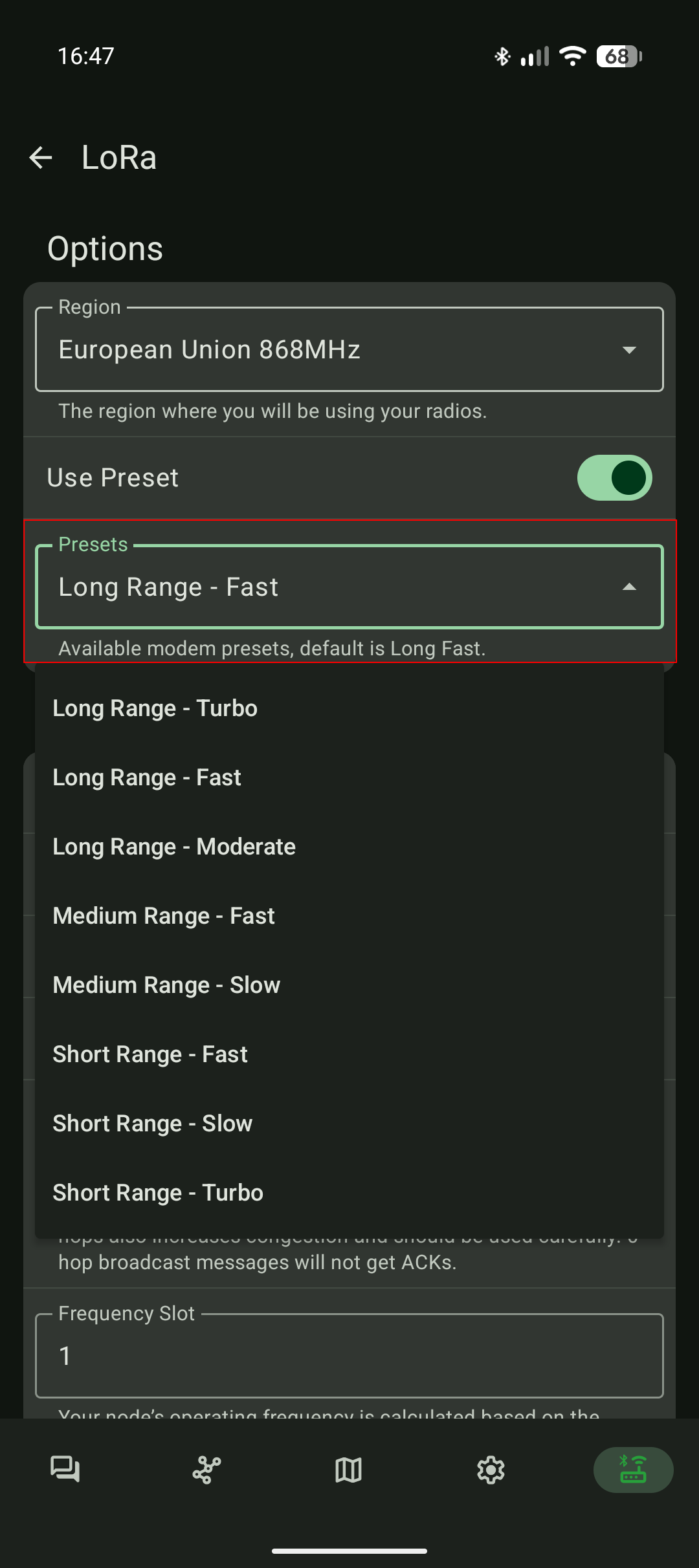 7.
7.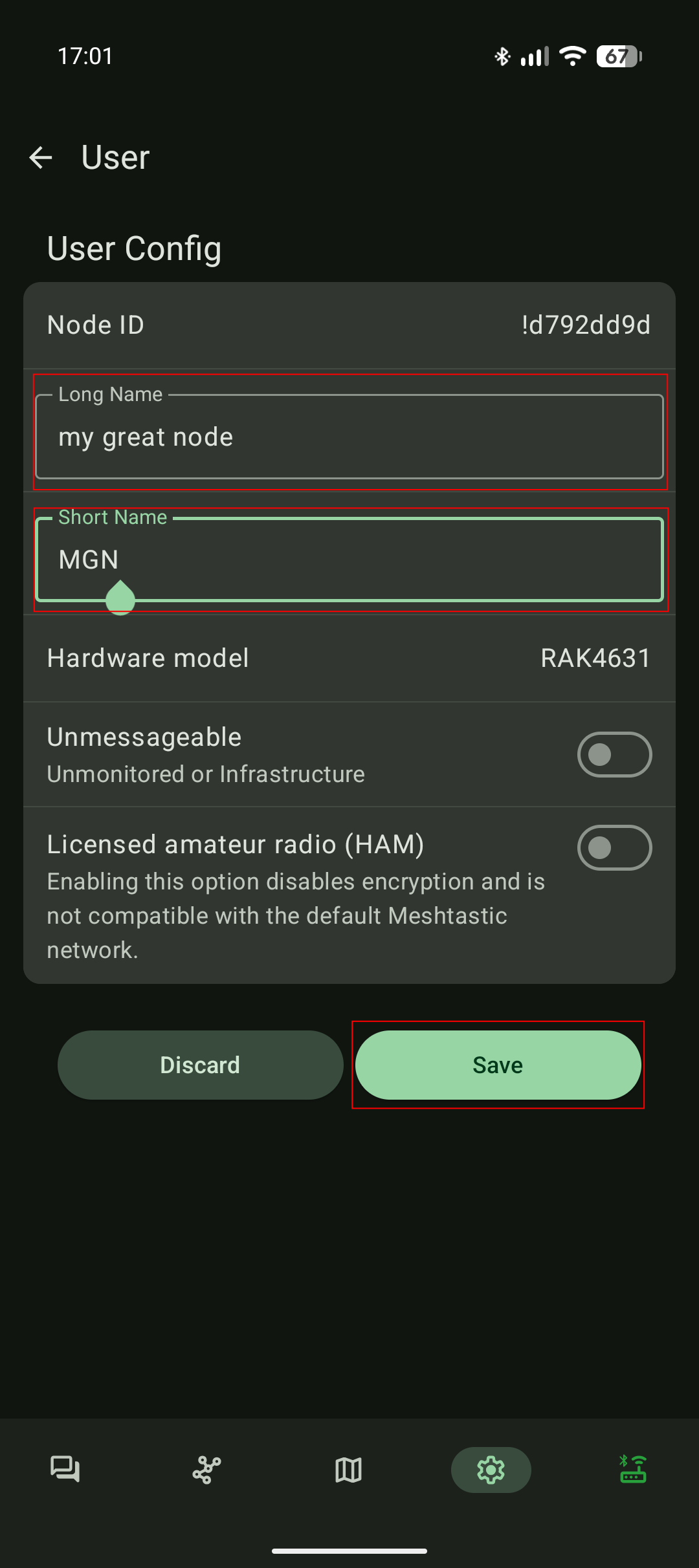 8.
8.
- Check signal quality and GPS lock before field use.
-
To switch off, hold the Power button for min.5 seconds and wait until the LED turns off.